Tutorial
How to Automate Visual Regression Testing with Screenshots in 2026
Build a practical screenshot-based visual regression workflow for pull requests, previews, and production releases.
Jun 14, 20269 min readAlex Chen
Learn how to automate visual testing, build screenshot workflows, and get the most out of your screenshot API.
Build a practical screenshot-based visual regression workflow for pull requests, previews, and production releases.
Learn how to design a useful Playwright cross-browser test matrix across Chromium, Firefox, WebKit, mobile viewports, and CI without making every pull request slow.
Learn the fastest way to make a full page screenshot in Chrome, plus better options for long pages, mobile captures, scheduled screenshots, and screenshot automation.
A practical introduction to Playwright for testing real user flows, browser behavior, authentication, debugging, CI, and screenshot workflows.
Improve screenshot API speed and reliability with better wait conditions, batching, formats, caching, retries, and monitoring.
Learn what Puppeteer is, how it controls browsers, and how to use it for automation, testing, scraping, screenshots, PDFs, and performance workflows.
If your screenshot API keeps returning a 'Checking your browser' page instead of the site, the target is behind bot protection. Here's how to capture it with stealth mode.
Learn how screenshots support financial audits, compliance reviews, and evidence collection by preserving what auditors saw, when they saw it, and where it came from.
 Announcement
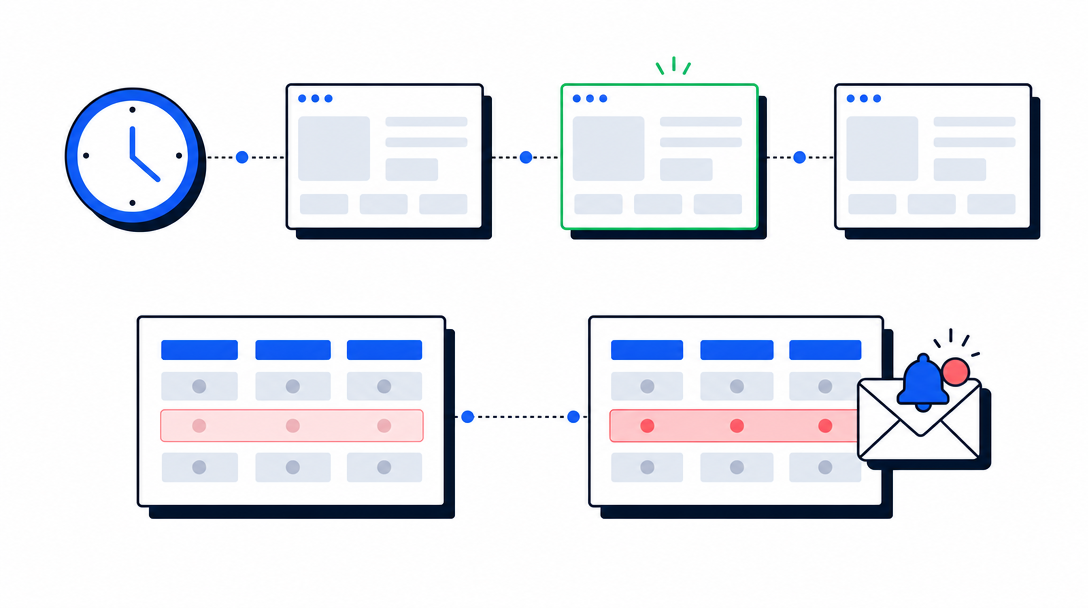
Capture any page on a repeating schedule and get notified only when it changes. No cron job, no storage to manage, no diffing code to write.
 Tutorial
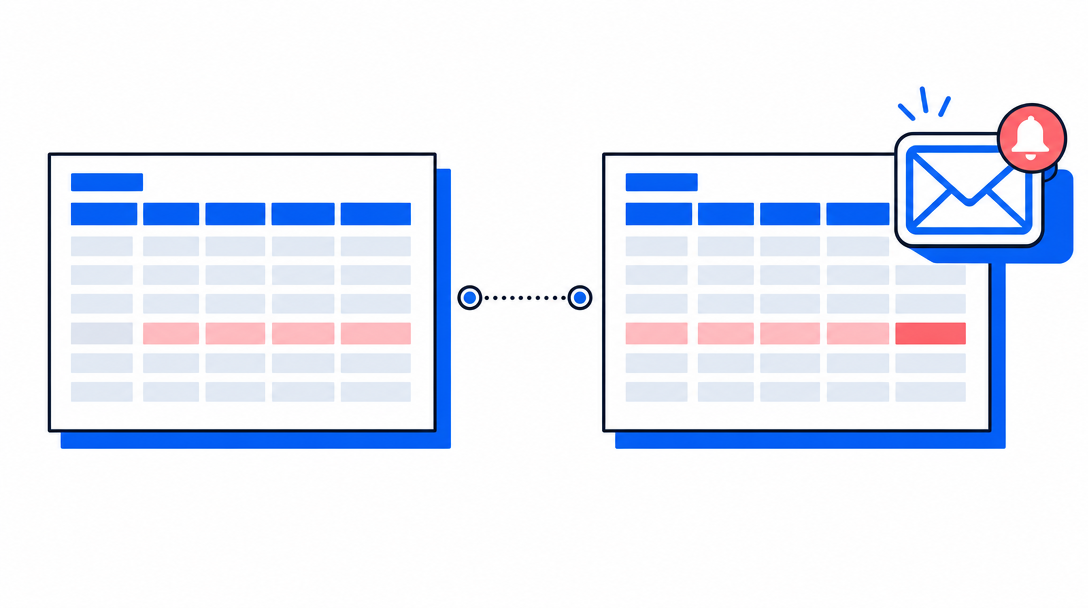
Set up an automated check that screenshots a competitor's pricing page on a schedule and emails you only when it actually changes. Point-and-click setup, about five minutes.
 Guide
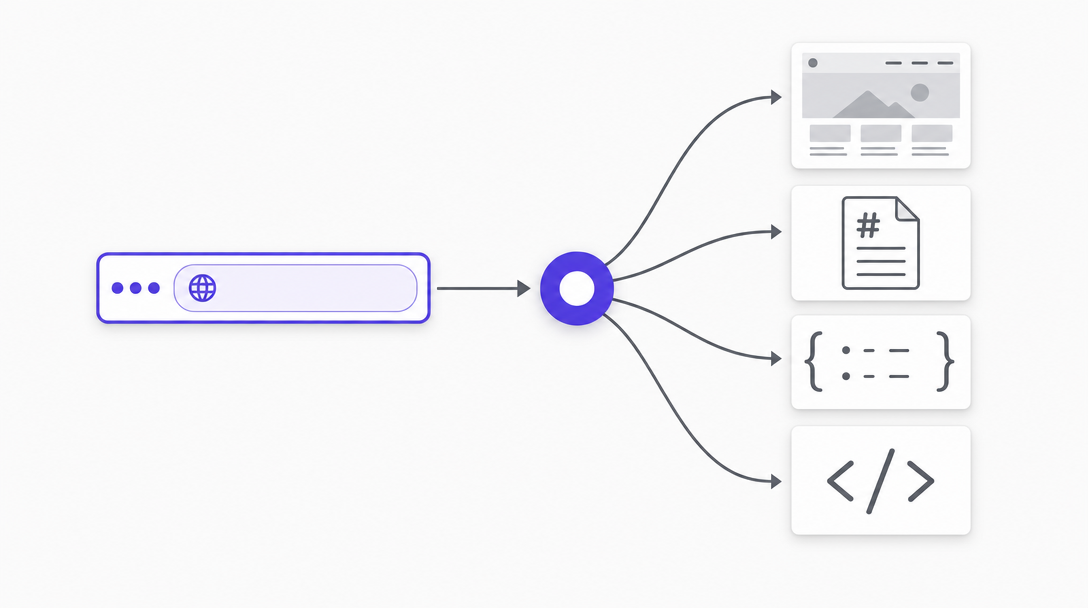
GuideStop running a browser, a parser, and a Markdown converter for every URL you process. One AllScreenshots request returns the screenshot, the main content, and the meta tags you need — billed as a single screenshot.
 Guide
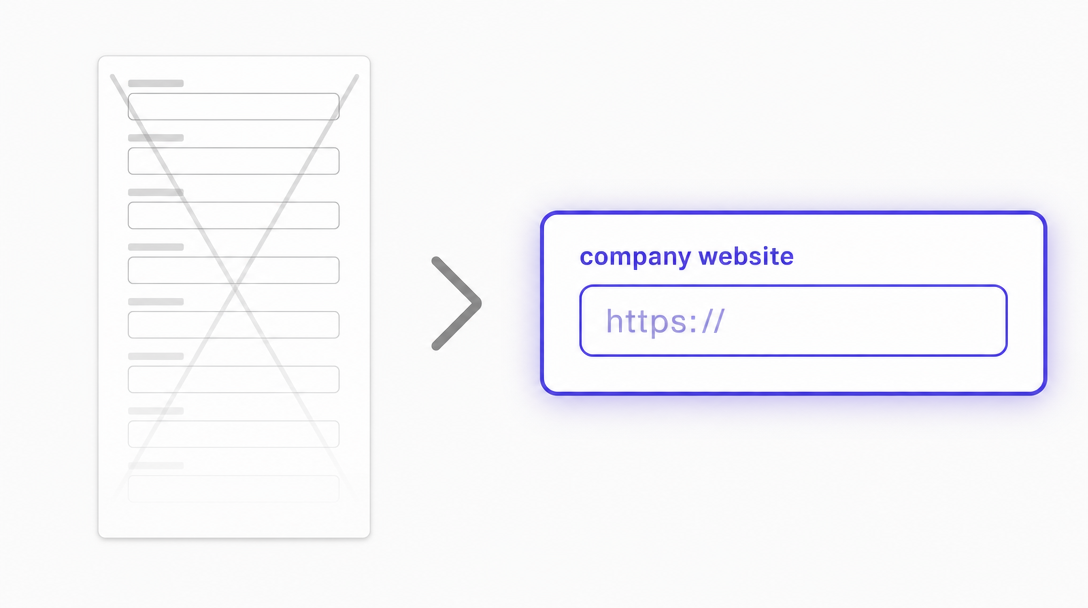
GuideThe fastest onboarding form is the one your users don't have to fill out. Here's how to derive the entire signup form — company name, industry, logo, colors — from one URL field, and how to wire it into three common product categories.
Build an OpenClaw skill that captures website screenshots via the Allscreenshots API. Trigger captures from WhatsApp, Telegram, or Slack with natural language.
Build a zero-code screenshot automation with Zapier. Capture any website and send the result to Slack, Google Drive, Airtable, or 6,000+ other apps.
Turn any Google Sheets spreadsheet into a screenshot automation tool. List URLs, run a script, and get screenshot links populated automatically.
Learn how to automatically capture website screenshots and save them to your Airtable base using the Allscreenshots API and Airtable scripting.
Add visual regression testing to your GitHub Actions CI pipeline. Capture screenshots on every PR without managing browser infrastructure.
Skip bloated WordPress plugins. Add website screenshot capture to your WordPress site with a lightweight shortcode and the Allscreenshots API.
We compared the top screenshot APIs on pricing, included volume, request limits, content handling, output quality, and developer experience.
Step-by-step guide to Puppeteer: automate Chrome with screenshots, scraping, testing & PDF generation. Includes code examples and best practices for 2026.
Debug and preview your Open Graph tags before sharing. See how links appear on Facebook, Twitter, LinkedIn, Discord, and Slack. Get validation scores, actionable fixes, and export ready-to-use HTML.
 Guide
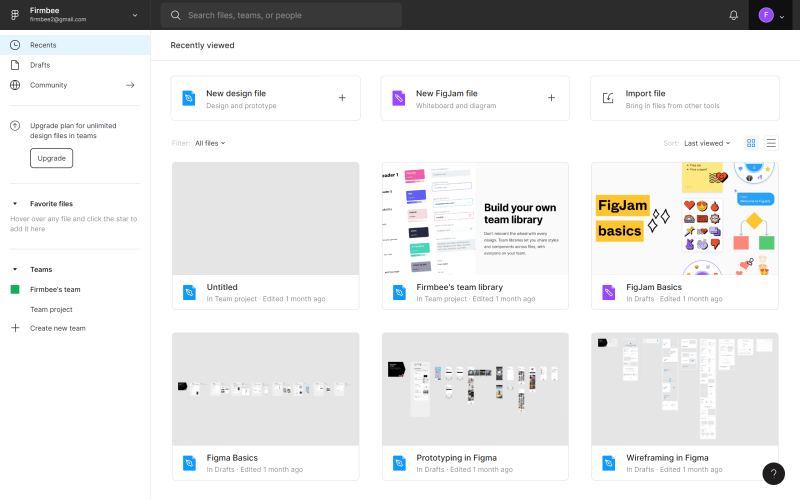
GuideImport live website screenshots directly into your Figma designs. No browser extensions, no manual cropping, no tab switching.
Capture full-page website screenshots directly in Figma. No browser extensions, no tab switching, no manual cropping.
Capture full page screenshots in Chrome using DevTools, keyboard shortcuts, element screenshots, extensions, and automation options.
Capture website screenshots directly from your terminal using CLI tools. Learn different approaches from headless browsers to dedicated screenshot APIs.
Capture entire scrollable web pages in Firefox with a keyboard shortcut or right-click. No extensions needed.
Learn how to scrape and download images from any webpage using Puppeteer's browser automation capabilities.
Capture entire scrollable web pages in Safari.
Understand visual regression testing, why it matters for UI quality, and how it fits into your development workflow.
Developers, marketers, and founders use Allscreenshots to automate website captures. No credit card required to get started.